
Lotus365 Session Expired Causes Solutions and Fixes
Lotus365 Session Expired Causes Solutions and Fixes
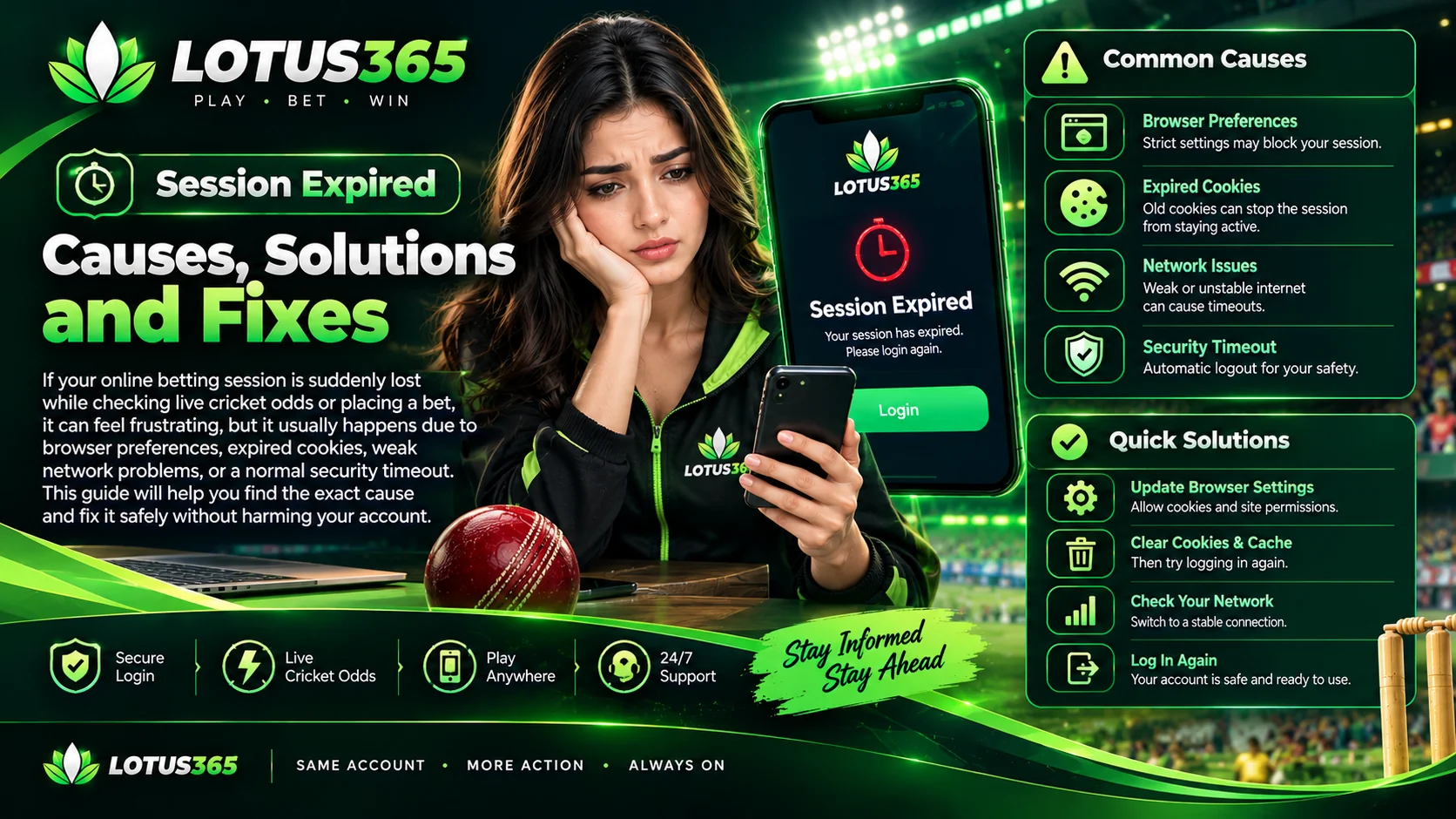
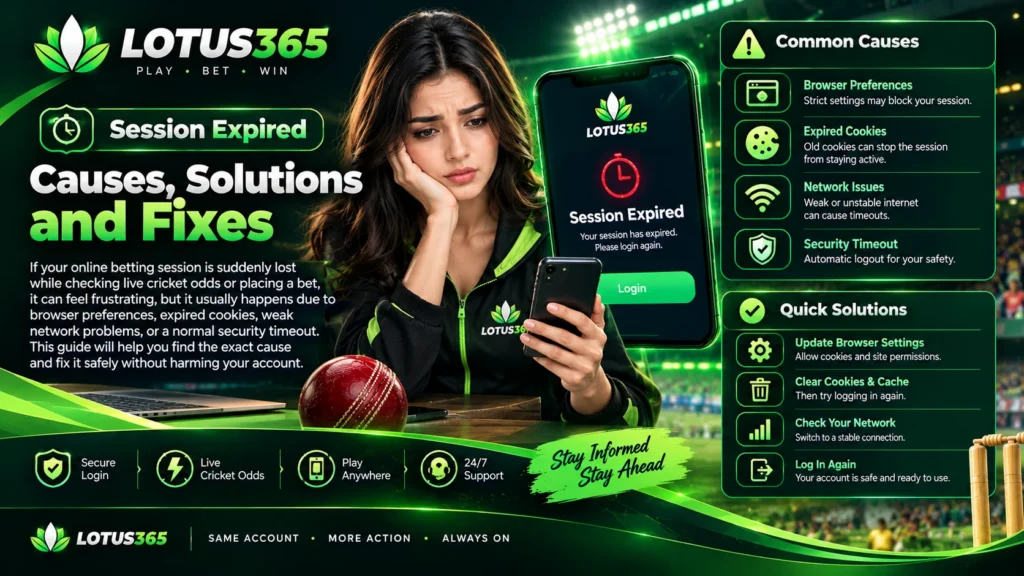
If your online betting session is suddenly lost while checking live cricket odds or placing a bet, the interruption can feel very frustrating, but it usually happens due to strict browser preferences, expired web cookies, weak network problems, or a normal security timeout. The main purpose of this automatic logout is not to permanently block your ID, so you do not need to worry about a serious account issue. By observing exactly when the logout happens across your devices, you can easily use this complete guide on lotus365 session expired causes solutions to troubleshoot the error and safely fix the exact problem without damaging your account security.
Why is my session automatically expiring?
The web session between your computer and the main betting server may expire automatically for a wide variety of reasons. The most frequent causes include:
Check for Inactivity or Network Drops
Extended periods of user inactivity on the betting page or sudden interruptions in your Wi-Fi signal will automatically close your connection.
Review Browser Data and Settings
If web cookies are suddenly lost or destroyed, or if you are using an outdated web browser with overly strict privacy settings, the site cannot hold your secure login.
Verify Device Time and Device Switching
Having the completely incorrect date or time set on your device, or switching rapidly between different mobile phones and web browsers, will immediately end your active session.
Identify Server or Security Actions
If the session expires as soon as it opens across all your devices at the exact same time, it is likely a temporary website-side server issue or an automated security system terminating the session to prevent hacking.
Immediate vs. Delayed Expirations
If the session expires instantly, check your local browser cache and internet connection. If it happens on all your devices at once, it is a main server problem.
Exploring Lotus365 Session Expired Causes Solutions
Here are some of the more common reasons for automatic session expiration and the exact ways you can quickly solve them.
Extended Absences
Timeouts are a very common security feature of many online financial services. For instance, you might log in to check the cricket scores and then completely forget about the open browser tab for a considerable period of time while watching TV. The former session may not be valid upon your return to the computer.
If this is the case, the most basic of all Lotus365 session expired causes solutions is simply logging in again. However, if the session times out in just a few minutes while you are actively clicking on the website, this is less likely to be a simple timeout issue.
Expired or Corrupted Cookies
Cookies contain small pieces of data that are incredibly useful for the maintenance of your secure session on the website. When these cookies naturally expire, get corrupted by an error, get blocked by antivirus software, or are deleted manually, the browser may not be able to keep the existing session properly open.
This sudden corruption can occur following:
Clearing the relevant site data and re-signing in can sometimes quickly fix the problem entirely.
Session Data Blocked by Browser Settings
Sometimes the strict privacy settings of the web browser can conflict directly with how the websites securely store your data. If you have a problem in one browser and not the other, compare their exact settings. Look closely at cookie restrictions, site permissions, privacy protection levels, and JavaScript settings.
Also, check for browser extensions that block scripts and trackers. Do not turn off critical antivirus security features just to maintain a betting connection. When testing a setting, only change that one setting and restore it quickly if it doesn’t fix the primary issue.
Network Connection Changes
If your personal internet connection is not highly stable, it can prevent communication between your browser and the website. For instance, you may have a connection moving from Wi-Fi to mobile data, or moving between different public Wi-Fi networks.
An active session may be terminated strictly because of a temporary connection problem. The fastest action in our list of lotus365 session expired causes solutions is to attempt to reconnect to a stable network, and then simply sign in again.
Outdated Browser
An old web browser will definitely cause compatibility or session management issues on modern websites. Look to see if your browser has an official update that is pending. Once updated, close and reopen the browser, then run the login process again. It is also important to keep your phone or computer operating system reasonably current.
Fixing Lotus365 Session Expired Issues
Instead of changing a lot of complex settings at a time, perform the following troubleshooting sequence to find the best lotus365 session expired causes solutions.
Restart and Reconnect
First, go for the easiest solution. Close the annoying message for an expired session, go back to the normal login screen, and simply log in again. Ensure that your internet connection is totally stable. This can be checked by opening multiple regular websites or temporarily switching to another trusted Wi-Fi network.
Clear Relevant Browser Data
If the issue persists aggressively, delete the web cookies and data stored on the device by that specific site in your browser settings. Afterward, close the browser, reopen it, go to the website address you normally use, and sign in again. Verify if the session is active or not.
Test Another Browser
Try another up-to-date browser. If the issue is happening in your normal browser, then try the exact same login process in a different mainstream browser. If the connection is totally normal in another browser, do a direct comparison of the security settings and extensions of the two browsers.
Check Device Date and Time
Sometimes a totally wrong system time can lead to issues with secure web connections and authentication certificates. Ensure that your device is set to automatically receive the exact right date, time, and time zone from the internet. Then restart the web browser and test the login again.
Lotus365 continues to log me out on mobile?
If the instant logout is occurring when using the mobile platform, first check if it is a phone problem or an account problem. Useful checks for mobile include installing any official pending updates, completely restarting the device, and verifying you have a strong mobile data signal. Also, check for battery saving restrictions that can heavily impact app performance in the background.
To create a highly secure environment for signing in again, a quick security check is strongly advised. Make sure you are not on a fake login page. Always look for the correct spelling of the website address and a secure green connection with HTTPS established. Never give your login details to random emails or unrecognized web forms.
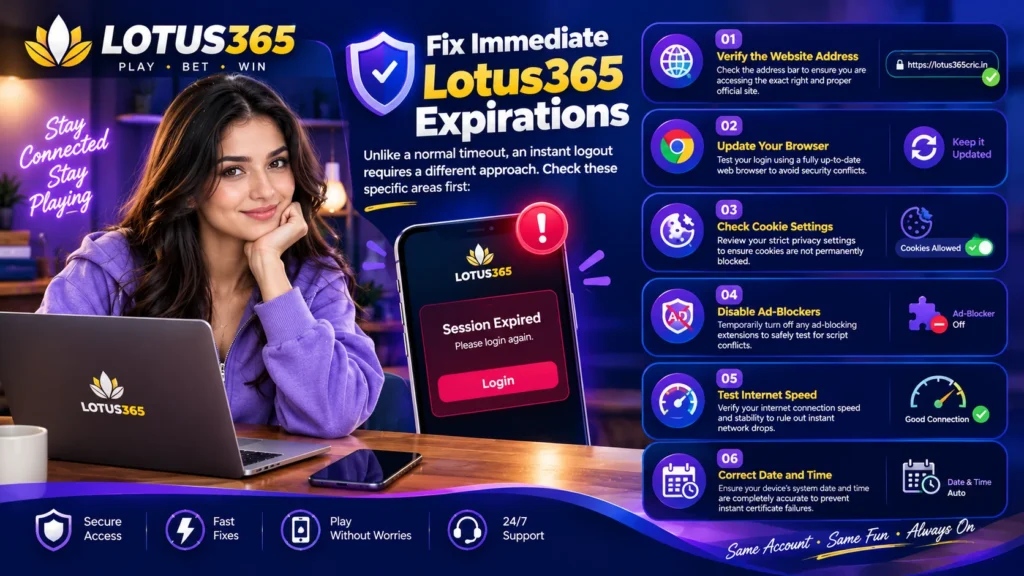
Fix Immediate Lotus365 Expirations
Unlike a normal timeout, an instant logout requires a different approach. Check these specific areas first:
Final Thoughts
There are multiple normal reasons why secure sessions expire automatically, and it usually doesn’t mean there is a serious problem with your betting account.
Try the most basic troubleshooting steps first: log in again, confirm your Wi-Fi connection, check the cookies and browser settings, try another web browser, check for device updates, and ensure you use the correct date and time. By understanding these lotus365 session expired causes solutions, you can fix the issue quickly and return to your sports entertainment safely.